
Digital Scrapbook Ideas for Long Distance Couples (Tools + Templates)
Tethered is the #1 app for long-distance couples. Join thousands of couples bridging the distance with daily games and connection.


I've watched too many long-distance couples fall into the same trap: frantically screenshotting cute texts, saving random photos in messy phone albums, and somehow losing all those sweet little moments that made the distance bearable. Three months later, you're desperately scrolling through thousands of photos trying to find that one selfie from your virtual movie night. Digital scrapbooks solve this mess by giving your memories an actual home – but most couples have no idea where to start.
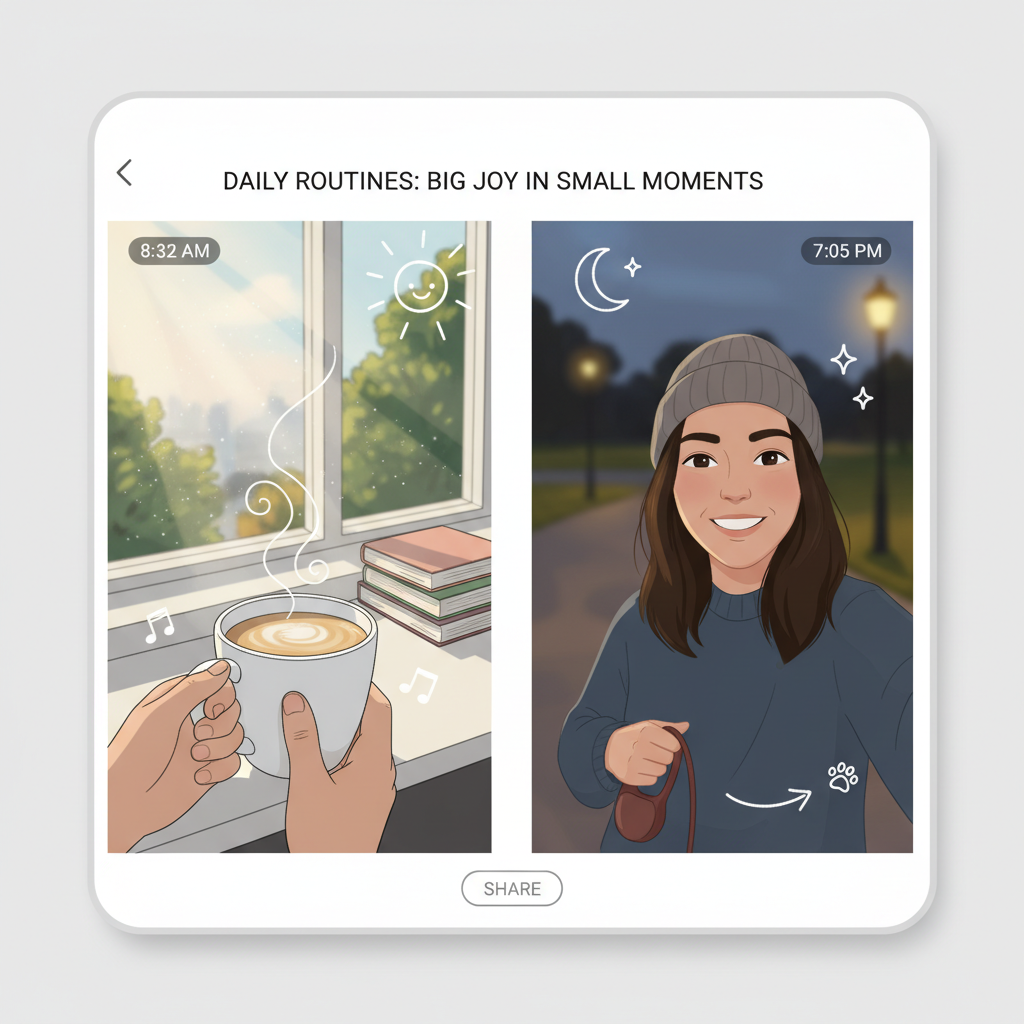
Memory Triggers That Beat Missing Them: Daily Life Documentation Hacks
I've learned that missing someone hurts less when you're actively collecting memories together, even from a distance. What works for me is documenting the boring stuff - not just special occasions.
Try the "mundane Monday" photo swap: every Monday, send three random photos from your day. Your messy desk, the weird cloud formation, your terrible coffee. I started doing this with my partner and now I feel connected to his daily rhythm instead of just waiting for our next video call.
Voice memos while walking somewhere hit different too. Record your thoughts heading to the grocery store or commuting. It's like having them walk beside you.
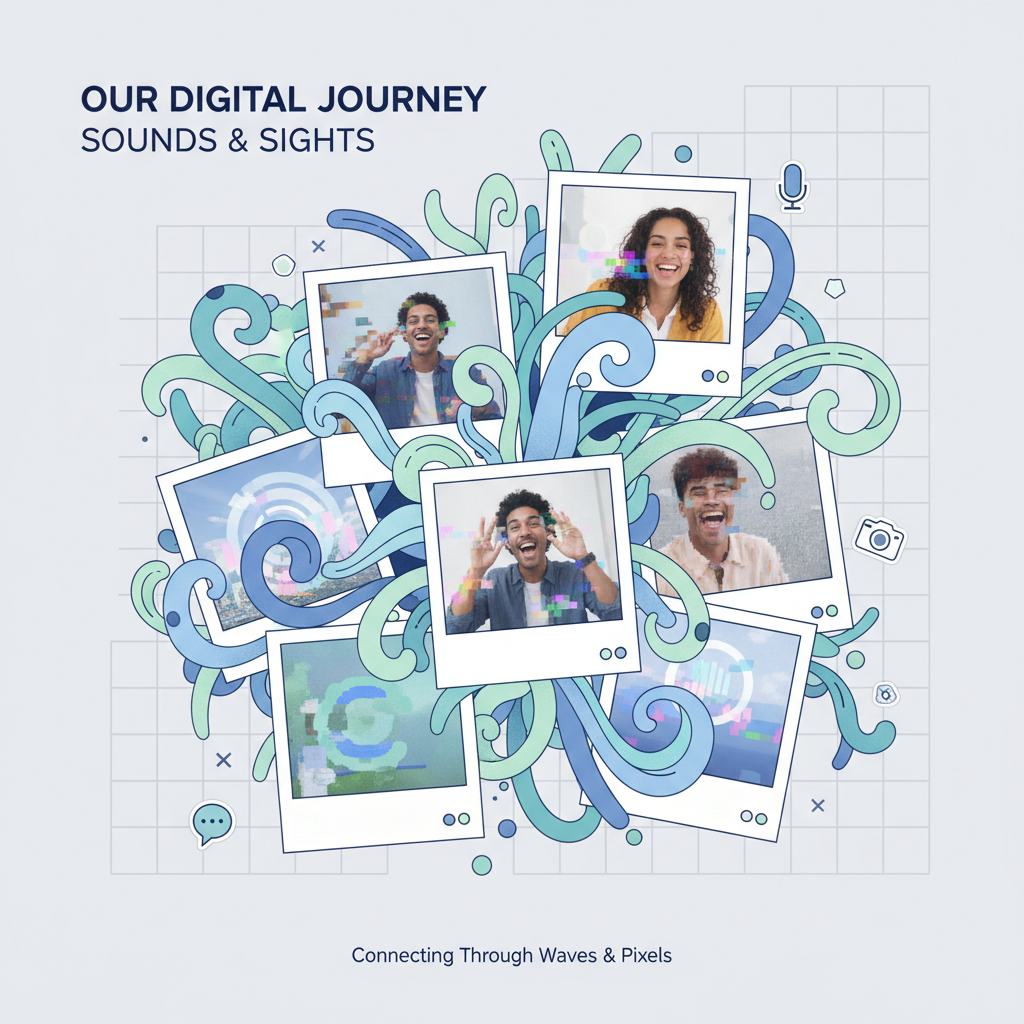
Voice Notes + Screenshots = Gold Mine: Building Your Audio-Visual Archive
I stumbled onto this combo by accident when my boyfriend sent a voice note explaining a meme he'd screenshotted. Now it's our thing.
The magic formula: Voice note + screenshot = instant memory capsule.
Here's what I capture:
- His sleepy morning voice explaining why he screenshotted a random TikTok at 2 AM
- Me narrating funny conversations I screenshot from our group chats
- Voice tours of our separate grocery trips with photos of weird products we find
- Audio reactions to screenshots of each other's Spotify "Recently Played"
Pro tip: Don't overthink it. The random, unfiltered moments hit different six months later.
I use a simple folder system: "Voice + Pics" with monthly subfolders. When we're feeling disconnected, scrolling through these feels like flipping through inside jokes only we understand.
The mundane stuff becomes precious. Trust me on this one.
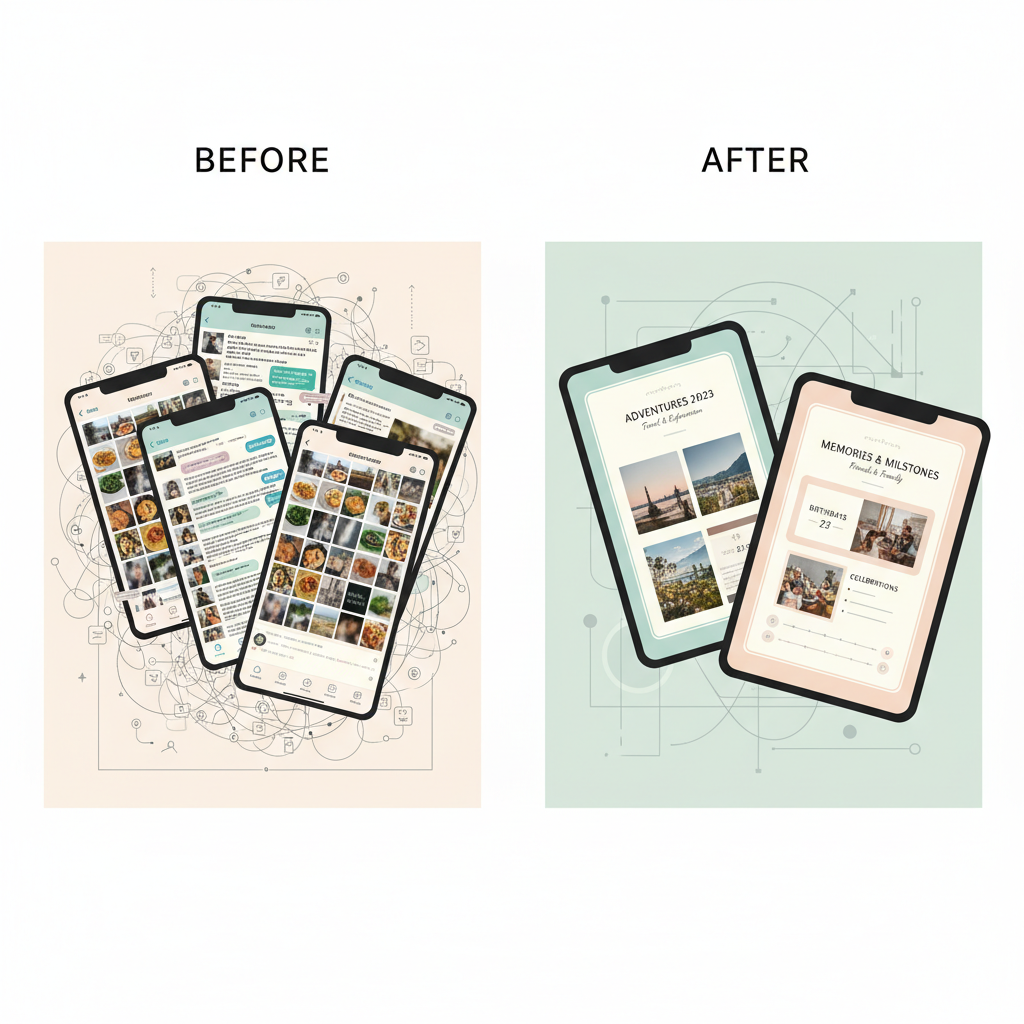
Timeline Chaos to Love Story: Organizing 6 Months of Texts and Photos
I used to screenshot cute texts randomly, thinking I'd remember the context. Six months later? I had 847 photos with zero clue which conversation happened when.
Here's what actually works: Create monthly folders in your phone or cloud storage. I name mine "March 2024 - Us" because "IMG_0847" tells me nothing about the day he sent me that dorky selfie.
For each month, I keep three sub-folders: "Screenshots," "Photos We Shared," and "Voice Messages." The voice message folder saved my sanity - those 2am rambling conversations deserve their own space.
Pro tip: Add context immediately. When I screenshot something sweet, I rename it right then: "Jake_apology_after_movie_fight_March15." Future you will thank present you for not being cryptic about your own relationship.
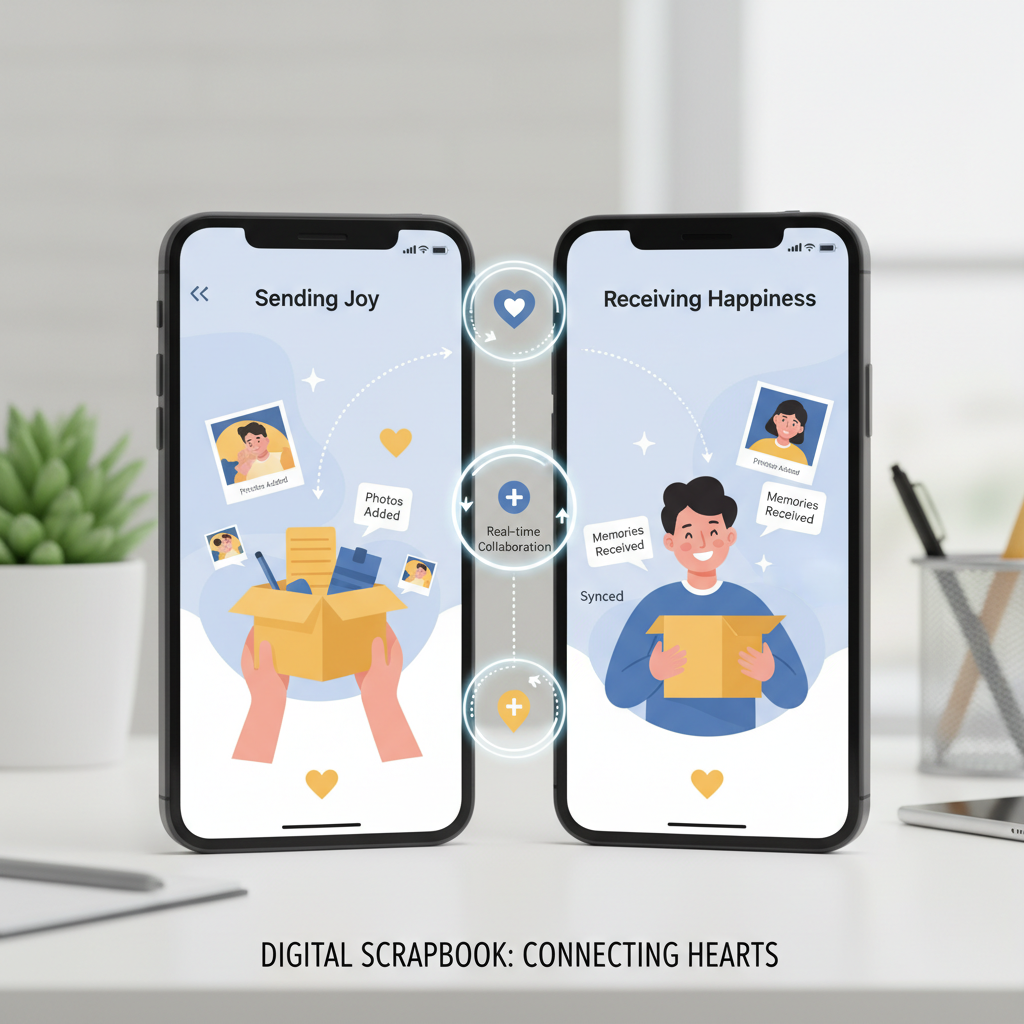
Surprise Delivery Coordination: Creating Shared Moment Albums in Real-Time
1. Schedule synchronized photo dumps during deliveries I've found the magic happens when you both open surprise packages while FaceTiming and immediately upload photos to a shared album. The genuine reactions are pure gold for your digital scrapbook.
2. Use delivery tracking as album chapter markers What worked for me was creating separate folders for each surprise - "Sarah's Birthday Box," "Random Tuesday Treats." The anticipation photos, unboxing shots, and aftermath all tell a complete story.
3. Set up automatic backup triggers I recommend using Google Photos' partner sharing turned on before any delivery day. That way even blurry excitement photos get captured in real-time without you fumbling with uploads.
4. Include the "delivery person perspective" Ask your partner to snap photos of the box arriving, their face when they see it's from you. These context shots make the album feel more complete than just the contents.
Quick Answers
What if my partner isn't tech-savvy and struggles with digital scrapbooking apps?
I'd honestly stick with something dead simple like Google Photos shared albums or even just a private Instagram account between you two. From my experience, the fancier scrapbook apps just create frustration when one person can't figure out how to upload or edit - better to keep it basic so you both actually use it.
What happens if we break up and have all our memories stored in a shared digital scrapbook?
This one's tough because I've been there - most platforms let you download everything as a backup before removing someone's access, but do it sooner rather than later since some apps delete inactive accounts. I always tell couples to each keep their own copies of special photos anyway, just in case.
What if the scrapbooking app we're using shuts down or our account gets deleted?
I learned this the hard way when a scrapbook service I loved just disappeared one day - now I always export everything monthly to Google Drive or Dropbox as backup. Most good apps have export features, and if they don't, that's honestly a red flag to switch to something more reliable like Canva or even just shared photo albums.
What I'd Actually Start With
Here's what I'd do first: pick ONE tool and create a super simple two-page spread this weekend. Don't overthink the design—just get something down. You'll learn more from making one messy scrapbook page than reading ten tutorials about it.