
How to Create Shared Daily Productivity Systems Across Distance
Tethered is the #1 app for long-distance couples. Join thousands of couples bridging the distance with daily games and connection.


"Before we started using shared systems, I'd finish my work at 9 PM and have no idea if my business partner in Portland had even started hers. Now we're weirdly in sync despite being three time zones apart." —Sarah, co-founder of a marketing consultancy
I've watched enough remote teams crash and burn to know that distance doesn't kill productivity—disconnection does. The couples, business partners, and small teams that thrive across miles aren't just good at their work. They've cracked something most people miss: creating invisible threads of shared momentum that somehow make physical distance irrelevant.
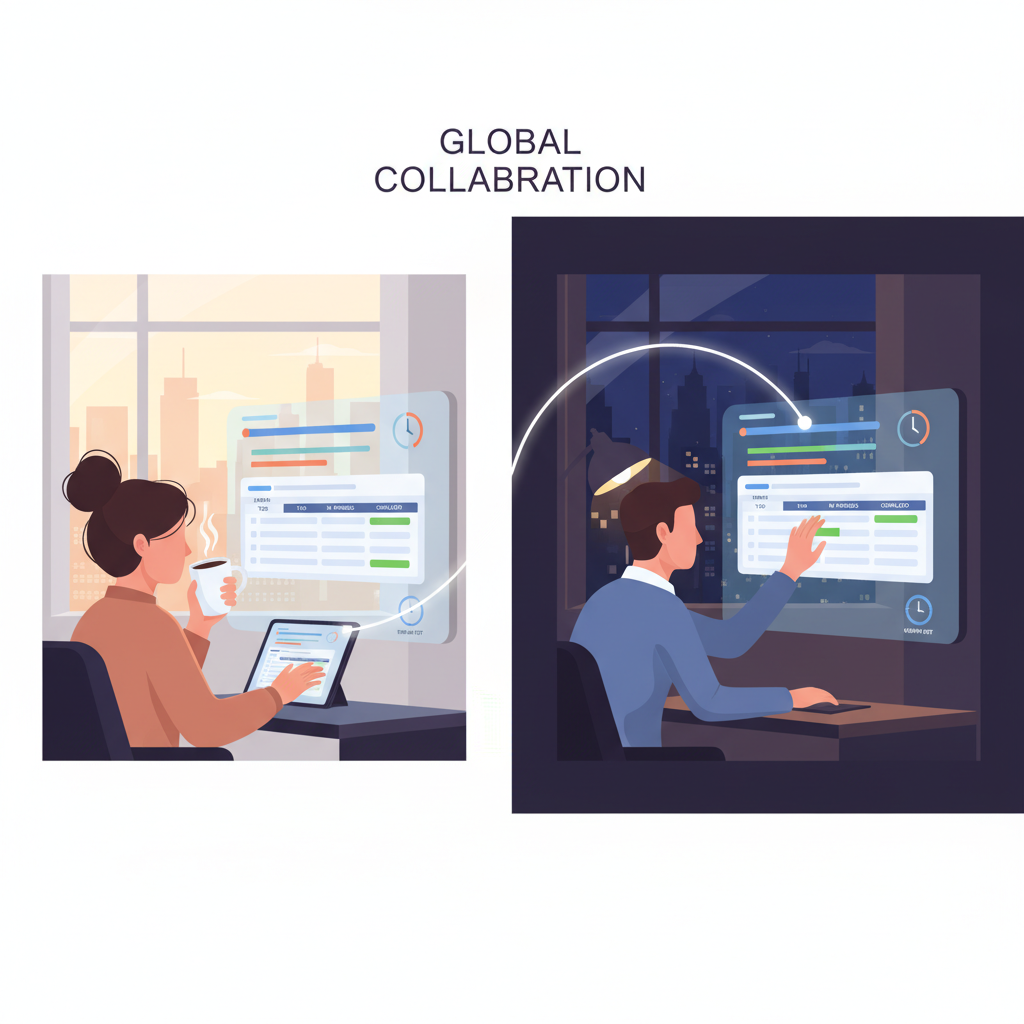
Sync Without Suffocating: Building Check-in Rhythms That Actually Work
The biggest mistake I see teams make? Daily hour-long video calls where everyone reports what they ate for breakfast. I've learned that effective check-ins are surgical—they solve specific problems, not loneliness.
My sweet spot is async daily updates in Slack (what I'm focusing on, where I'm stuck) plus one 30-minute weekly video call for anything complex. The async part keeps momentum without timezone headaches. The video call handles the messy stuff that typing can't fix.
What works: Making updates scannable with bullet points and tagging people only when you actually need them. What doesn't: Mandatory emoji reactions and forced "team building" moments that make everyone cringe.
Glossary of Important Concepts:
- Surgical check-ins: Brief, purpose-driven updates that solve specific coordination problems rather than general "staying connected"
- Async daily updates: Written status reports shared on team channels that don't require real-time participation
- Scannable format: Information structured with bullet points, headers, or consistent formatting for quick review
- Strategic tagging: Mentioning team members only when their input or action is specifically needed, not as FYI spam
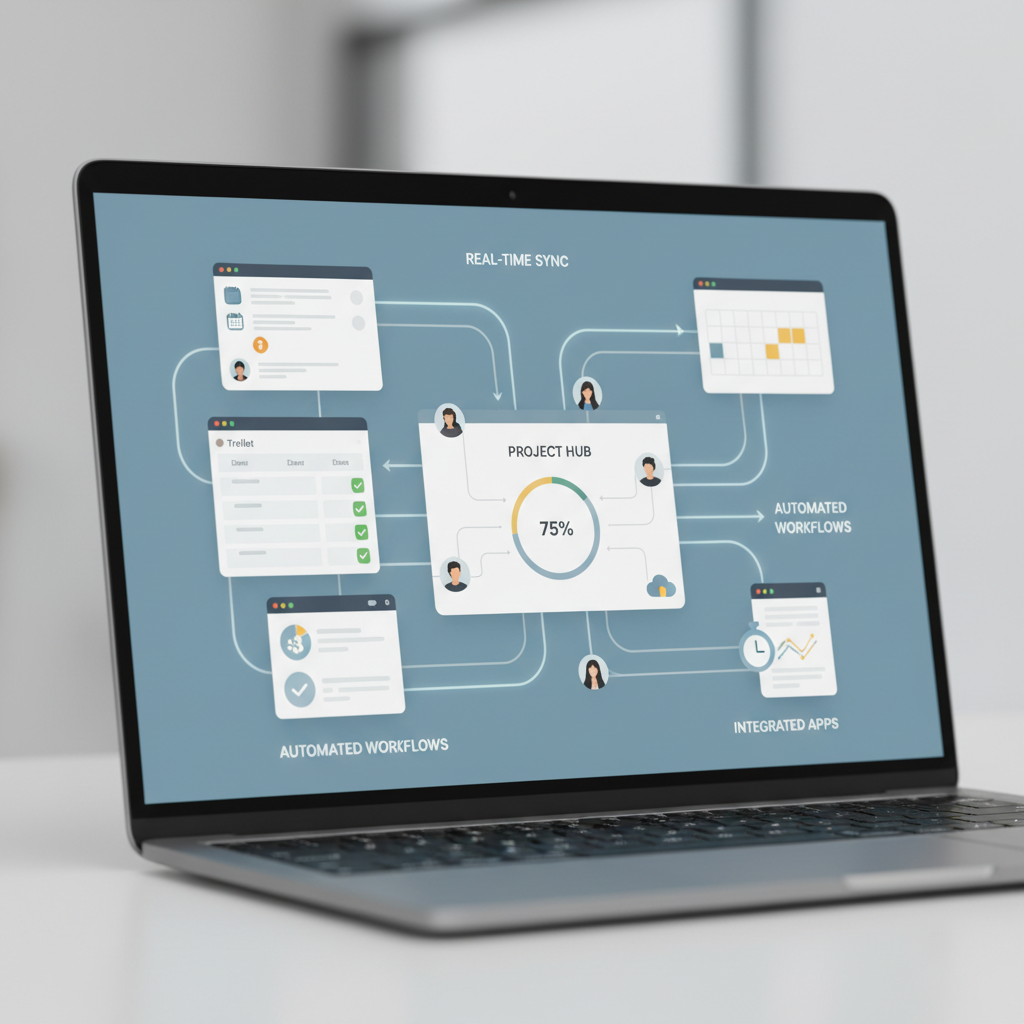
Tools That Talk to Each Other: Creating Your Cross-Platform Command Center
I learned the hard way that having isolated productivity apps is like trying to conduct an orchestra where the musicians can't hear each other. My breakthrough came when I started treating my tools as one interconnected system instead of separate pieces.
The game-changer was Zapier connecting my project management tool to our shared calendar. When I mark a task complete in Asana, it automatically updates our team's Google Calendar and sends a Slack notification. No more "Wait, did you finish that?" messages at 11 PM.
I've found that three connections make the biggest difference: task completion triggers calendar updates, new calendar events create follow-up tasks, and document changes notify the whole team. Start with one automation that solves your most annoying daily friction point.
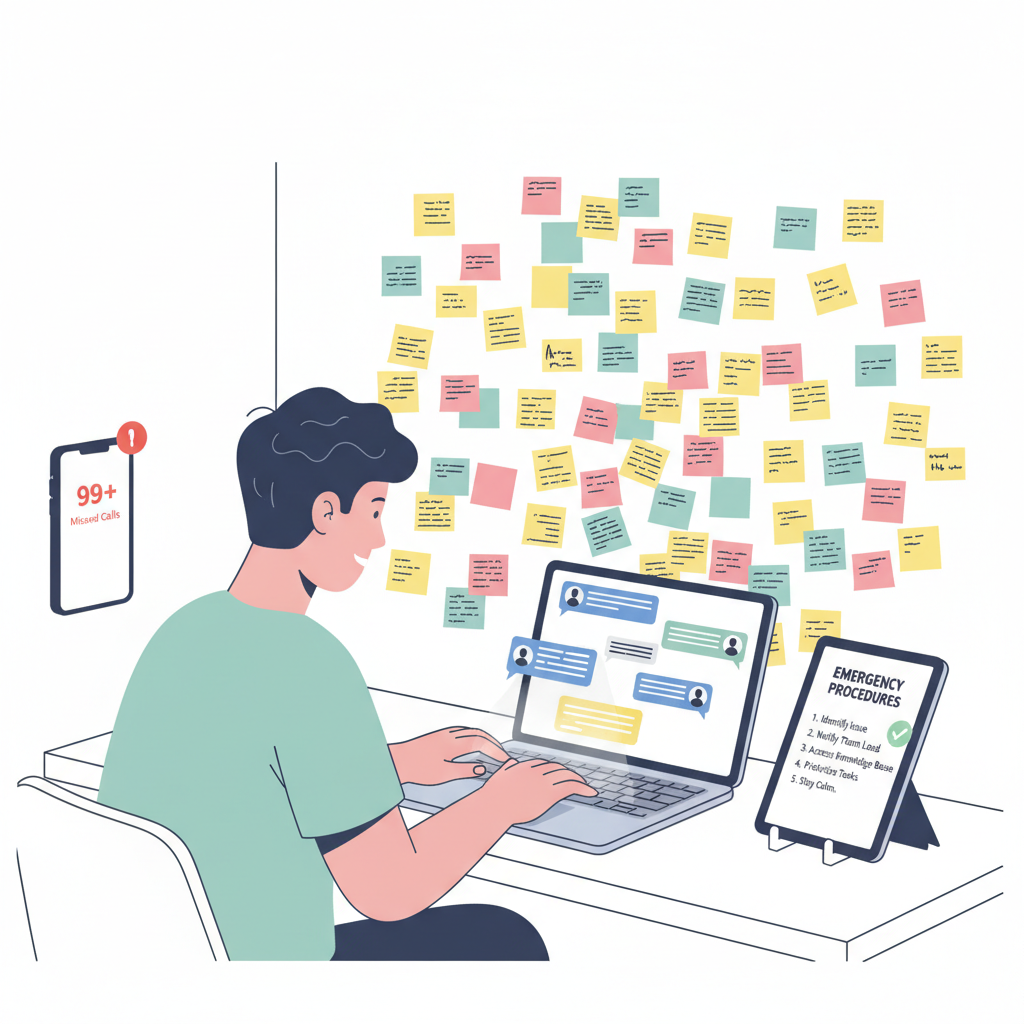
When Plans Break Down: Recovery Protocols for Distributed Teams
Option A: Real-time damage control - Drop everything for emergency Slack threads and video calls when systems fail. I've watched teams spend entire afternoons in "crisis mode" over a missed deadline or broken workflow.
Option B: Structured recovery protocols - Build failure modes into your systems from day one. When our project management tool crashed last month, we had a simple fallback: everyone posts their blockers in a shared doc by 2 PM, team leads review by 4 PM, decisions by end of day.
Option B wins every time. The teams that bounce back fastest aren't the ones that panic-coordinate—they're the ones who planned for failure before it happened.
What People Ask
Should I use Slack or Asana for tracking daily tasks with my remote team?
I'd go with Asana honestly - Slack gets messy fast when you're trying to track who actually finished what, and important updates get buried in chat threads. From what I've seen, teams that try to use Slack for task management end up frustrated within a month because nothing has clear ownership or due dates.
Is it better to have daily check-ins via video call or async updates in a shared doc?
Async updates in a shared doc work way better for most remote teams - I've watched too many daily video calls turn into 30-minute rambling sessions where half the team zones out. The key is having everyone update the same template by a specific time each morning, so you still get that daily rhythm without the scheduling nightmare across time zones.
The One Thing Nobody Talks About
Here's what I'd do differently next time: build in deliberate friction points. I know, sounds counterintuitive. But the best remote teams I've worked with actually make it slightly harder to skip the system. When something's too easy to ignore, people will. A little resistance creates better habits.